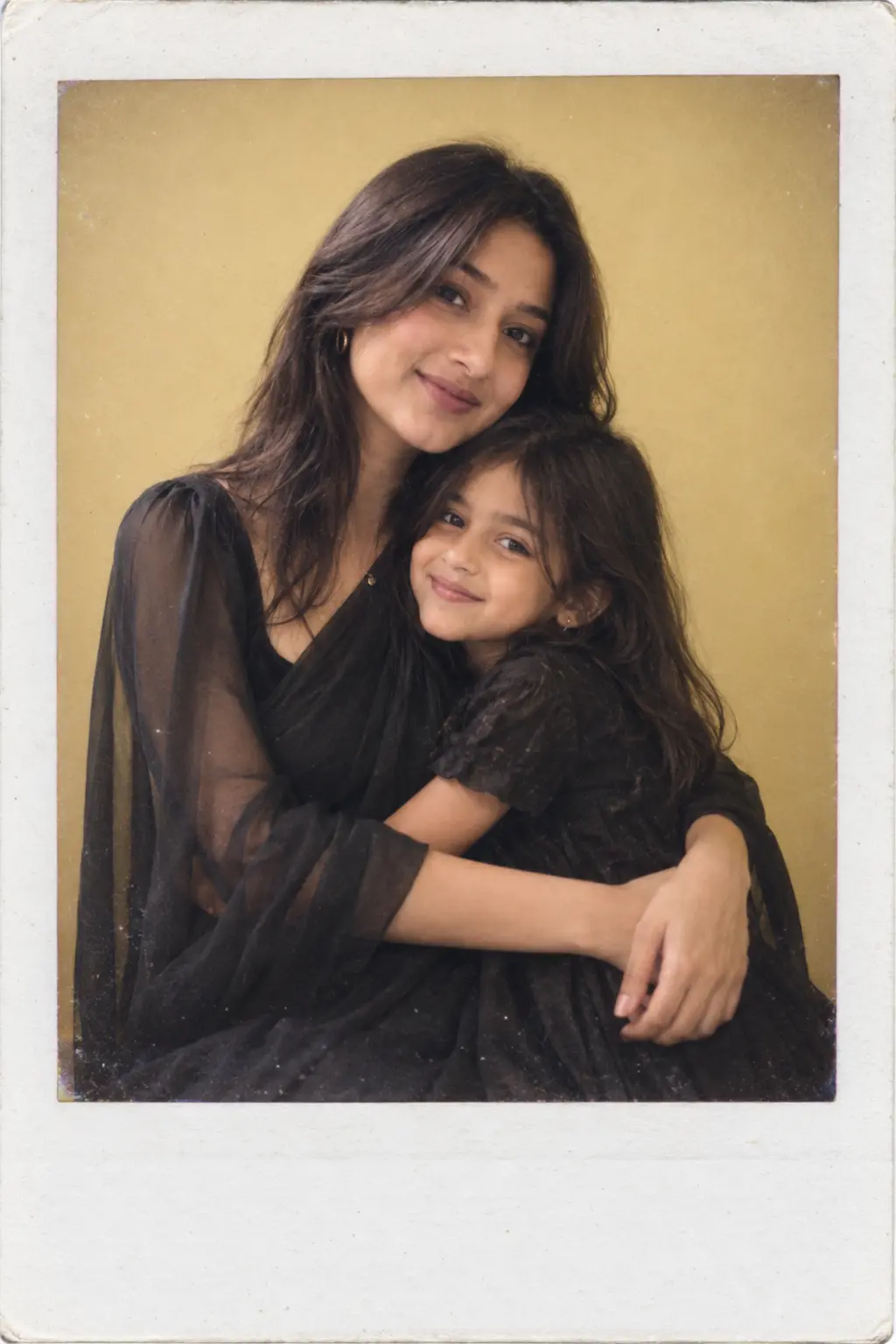
Portrait Unisex

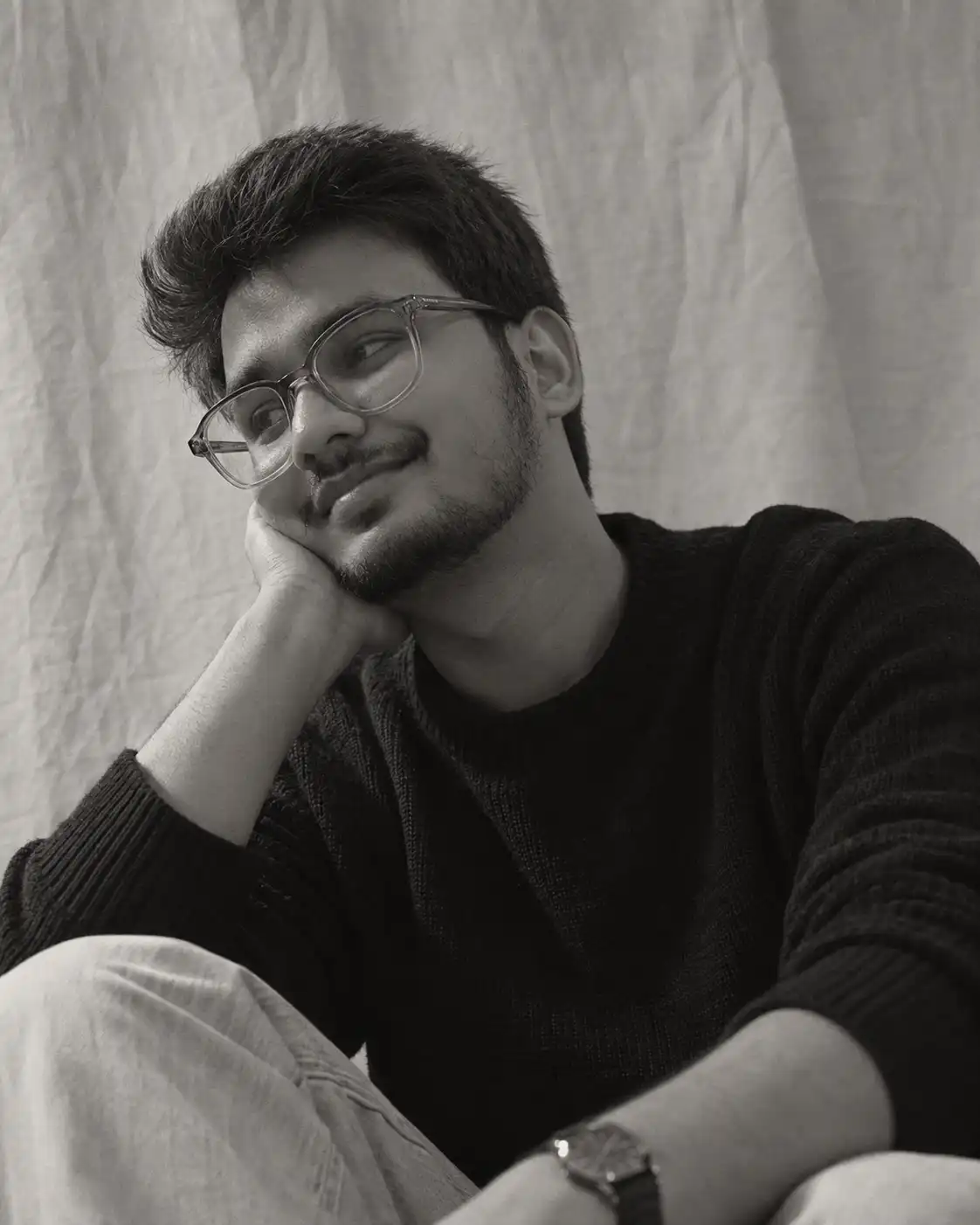
Soft Dreamy Black and White Portrait

Works with
ChatGPTGeminiNano Banana
Needs your photo
#black-and-white#portrait#dreamy#film#vintage#soft-light

Last updated Sep 15, 2026

Example result for Soft Dreamy Black and White Portrait AI image prompt
Example visual result this prompt is designed to create.
Create an ultra-realistic cinematic black-and-white portrait of the uploaded person, recreating the soft, dreamy, intimate aesthetic of the reference image. The person is photographed in a relaxed indoor setting against a softly wrinkled light-colored fabric backdrop, creating a simple, intimate editorial atmosphere. They are positioned close to the camera in a natural seated or leaning pose. The person gently rests one hand beneath their chin, with relaxed fingers and a delicate natural posture. Their head is slightly turned toward one side, looking off-camera with a soft genuine smile and dreamy expression. The person has naturally styled hair with realistic volume and loose strands framing the face. Add subtle minimal accessories appropriate to the person's existing appearance, such as a small ring, delicate bracelet, or simple earrings. The clothing should be simple, elegant, and minimal, similar in visual simplicity to the reference, while naturally adapting to the person's gender and existing appearance. Use soft diffused light coming from one side, producing gentle facial highlights and smooth natural shadows. The image should have a beautiful analog film / vintage monochrome appearance with fine grain and slightly soft contrast. Photography: ultra-realistic professional portrait photography, black-and-white film photography, soft diffused lighting, subtle grain, realistic skin texture, detailed eyes, natural hair strands, shallow depth of field, intimate editorial aesthetic, authentic imperfections, soft highlights, cinematic composition, photorealistic, 4:5 vertical portrait. 🔒 IDENTITY + BODY PRESERVATION — CRITICAL This prompt works for BOTH WOMEN AND MEN. Use the uploaded person exactly as provided. If the uploaded person is a woman, keep the same woman. If the uploaded person is a man, keep the same man. Do not change their gender, identity, age, or recognizable appearance. Preserve the person's exact face and identity. Do NOT replace, redesign, beautify, feminize, masculinize, or stylize their face. Preserve their exact face shape, facial structure, forehead, eyes, eyebrows, nose, lips, cheeks, jawline, chin, ears, skin tone, hairline, and natural facial proportions. Keep them immediately recognizable as the same individual. DO NOT CHANGE THE BODY. Preserve their exact natural physique, height, shoulders, arms, hands, waist, hips, legs, and overall body proportions. Do not make them thinner, taller, shorter, more muscular, curvier, or otherwise reshape their body. The pose must adapt naturally to the person's existing anatomy. Do not alter their body to match the reference pose. Only change the pose, clothing, accessories, backdrop, lighting, camera composition, and black-and-white photographic treatment. Negative prompt: different person, generic model, identity change, gender change, face swap, altered face, redesigned facial features, beautified face, changed eyes, changed nose, changed lips, altered jawline, altered skin tone, body reshaping, slimmer body, exaggerated curves, increased muscles, altered height, altered proportions, distorted hands, extra fingers, missing fingers, deformed anatomy, plastic skin, CGI, cartoon, excessive smoothing, unrealistic hair, inconsistent identity, inconsistent body, low resolution, overprocessed monochrome.
Advertisement
Best for

What this prompt is useful for

Vintage portraits, black-and-white Instagram posts, dreamy profile photos, analog film aesthetics and editorial portraits.

Prompt tips

Get better results from this prompt

  • Use a close, high-quality identity reference.

  • Keep the lighting soft and directional rather than harsh.

  • Use subtle film grain without excessive blur or skin smoothing.

Quick guide

How to use this AI image prompt

  1. Copy the prompt.Use the Copy Prompt button above to copy the complete prompt.
  2. Choose your image generator.Open the AI image generation tool you normally use.
  3. Upload your reference photo.Use a clear reference photo so the supported image generator has a strong identity reference.
  4. Paste and generate.Paste the prompt and generate your first result.
  5. Refine one detail at a time.Adjust lighting, pose, clothing, location or composition instead of changing everything simultaneously.
Advertisement
Create With Soumay

Looking for more AI image prompts?

Explore the full Create With Soumay library of ready-to-use prompts for couples, selfies, portraits, fashion, vintage photography, anime and more.

Browse All Prompts →
```