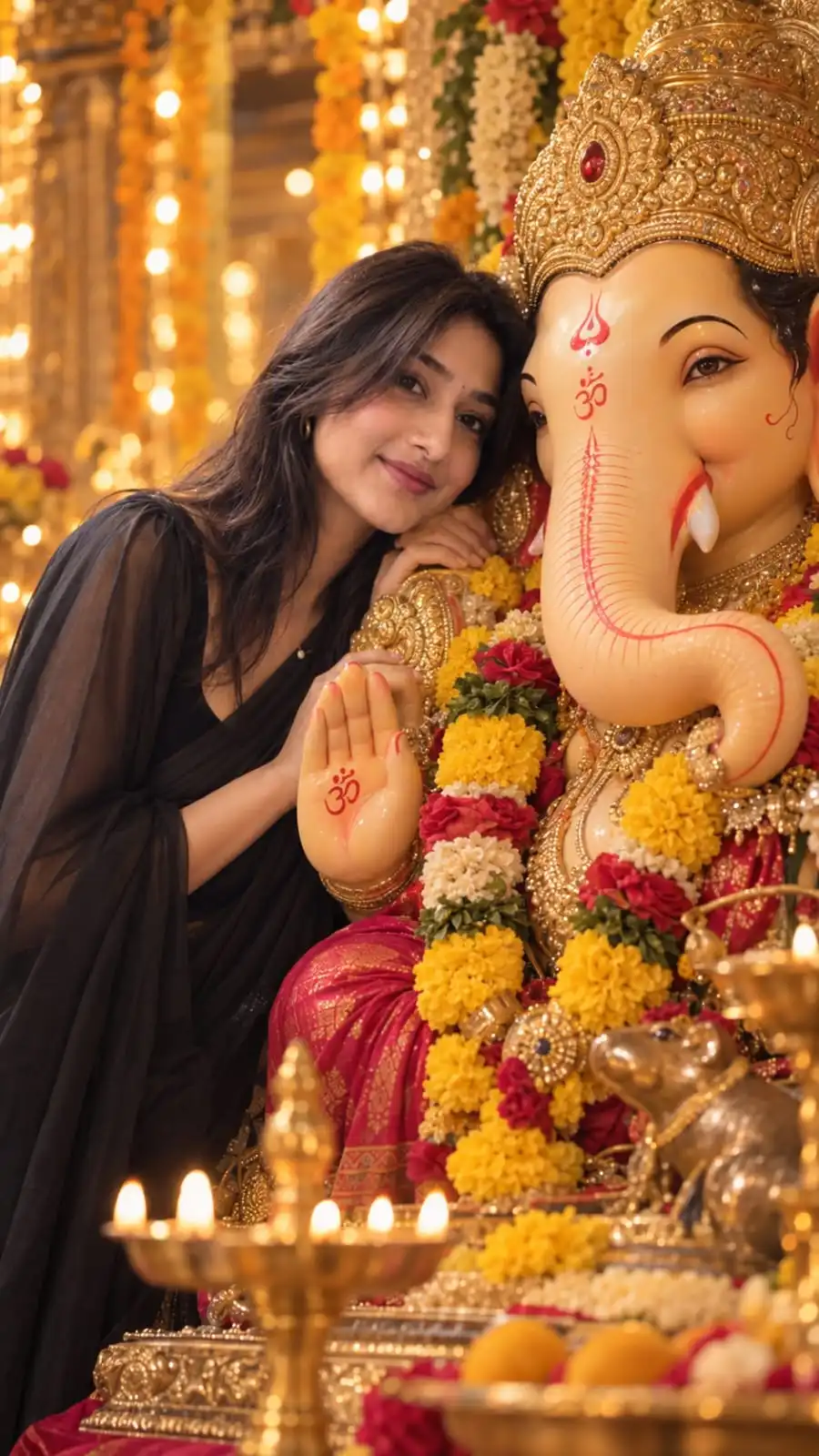
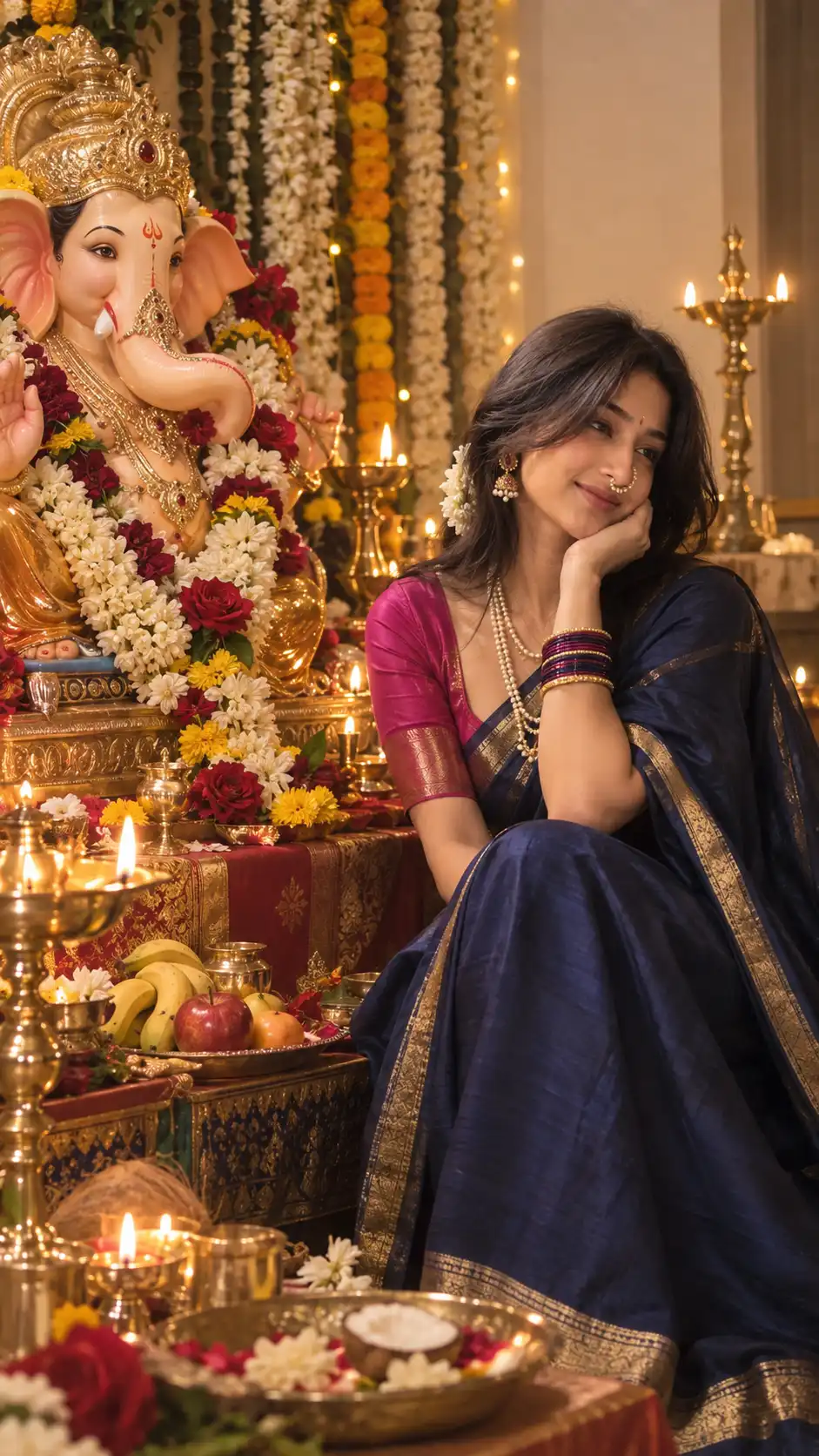
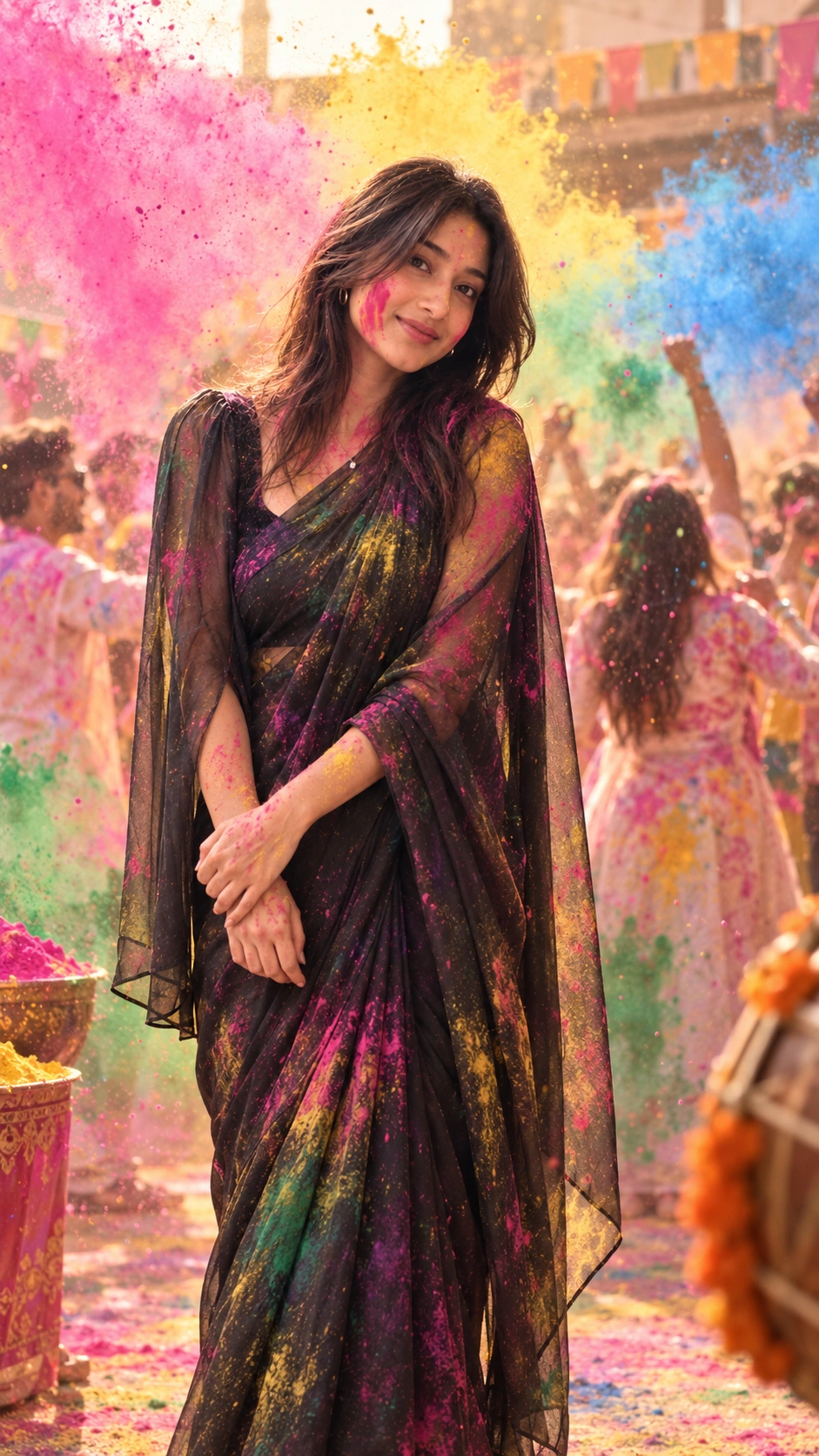
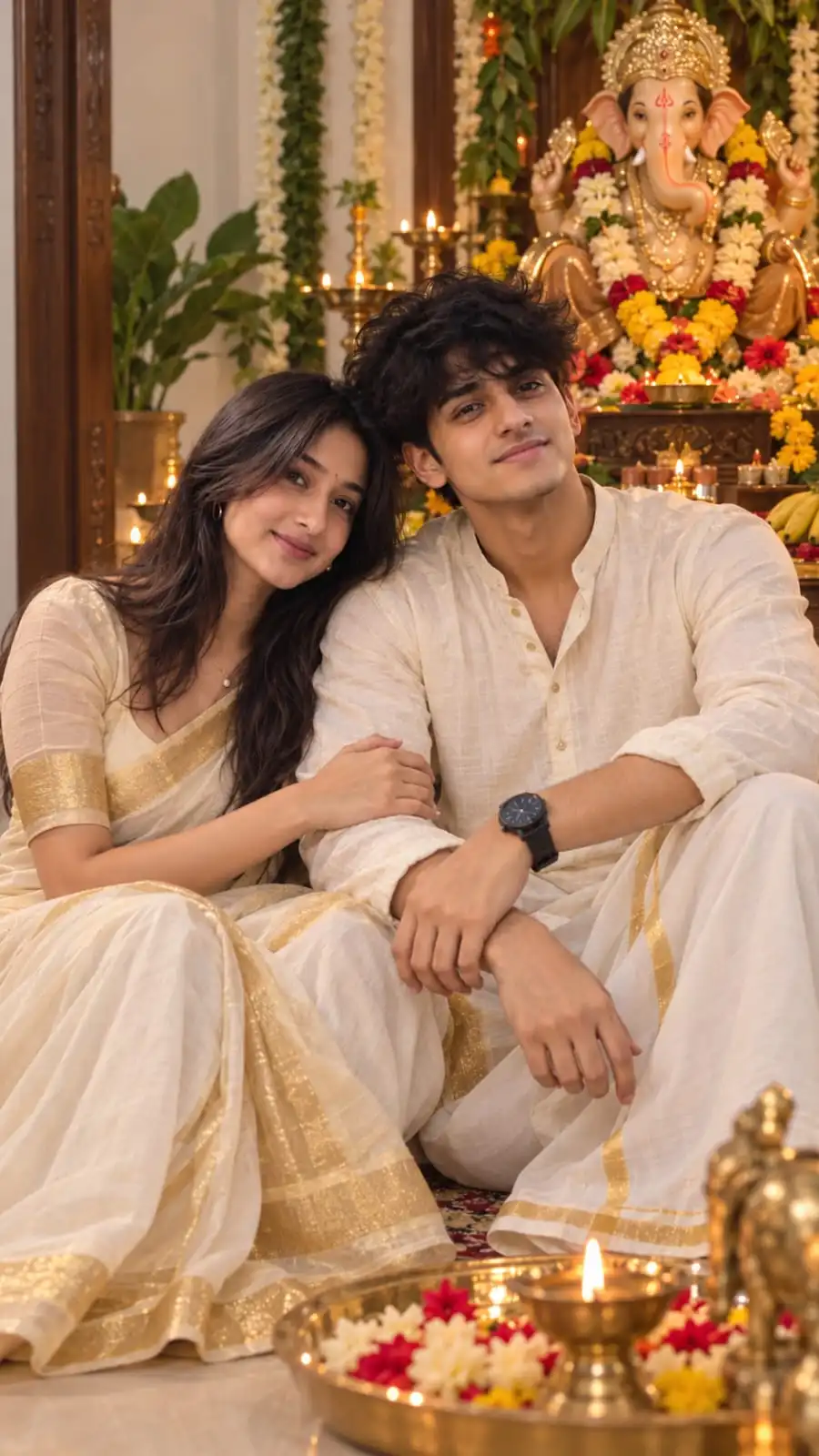
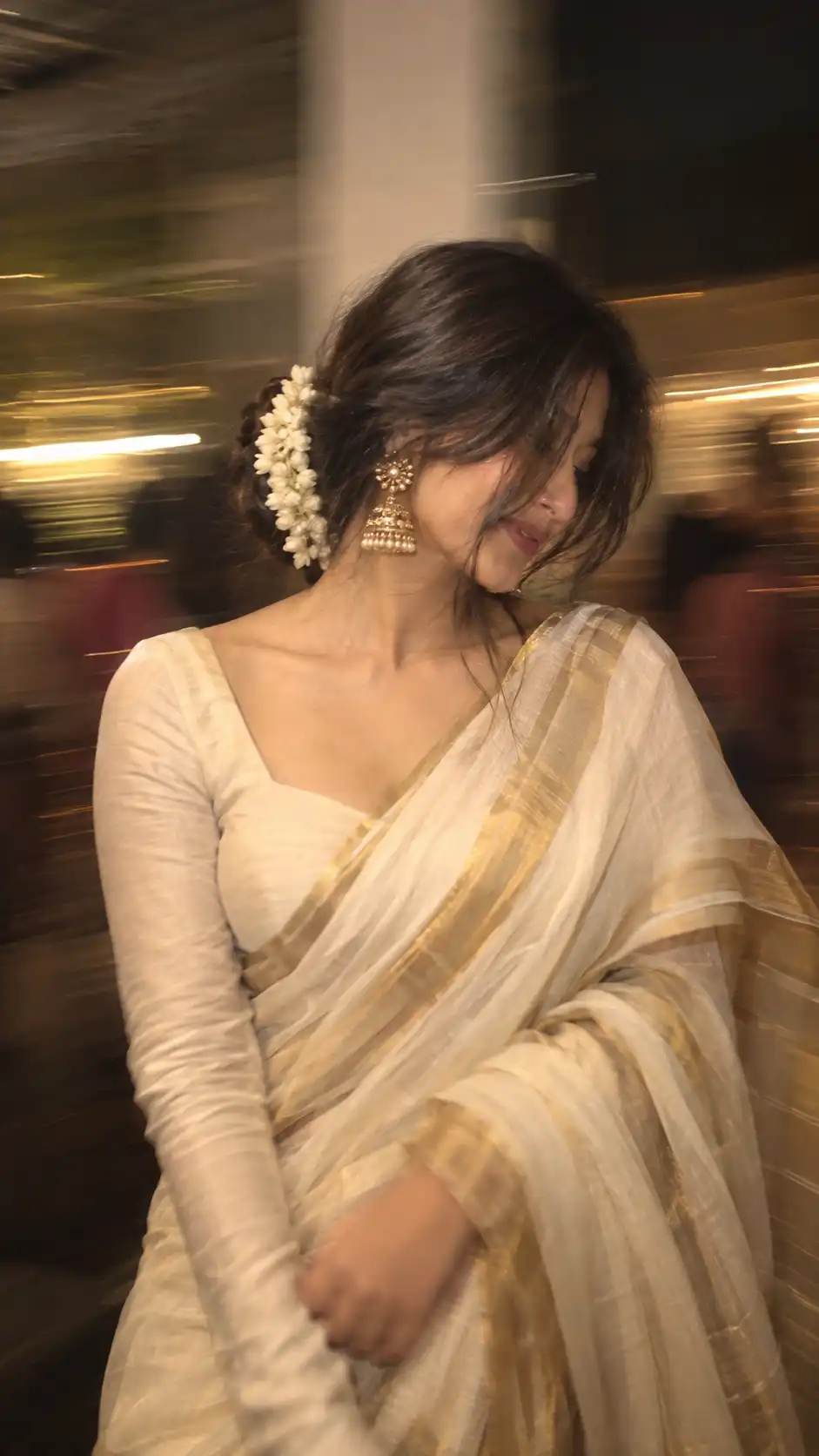
Use this copy-ready AI prompt for ganesh chaturthi, built for Ganesh Chaturthi photo. Ideal for festival portraits, Instagram posts and social content.
Works with
ChatGPTGeminiNano Banana
βNeeds your photo
#festival#traditional#portrait#Ganesh Chaturthi
Last updated Sep 16, 2026
β¦Result Preview
Example visual result this prompt is designed to create.
β¦Exact Prompt
Create a highly realistic, emotionally intimate Ganesh Chaturthi devotional photograph using the uploaded reference image as the PRIMARY reference for the entire composition, while using the uploaded face-reference image as the SOLE identity reference for the person.
COMPOSITION & SCENE β RECREATE THE REFERENCE: Recreate the same close-up portrait composition as the reference: the person standing extremely close to a beautifully decorated Lord Ganesha idol, with their face gently touching/near Ganesha Ji's cheek and trunk area in a tender devotional moment. Maintain the same intimate framing, camera distance, perspective, head positioning, facial angle, crop, depth of field, and overall visual balance.
Show a large, beautifully crafted Lord Ganesha idol with EXACTLY ONE elephant trunk β anatomically correct and clearly visible. Do NOT generate two trunks, duplicated facial features, or any extra trunk.
Recreate the richly decorated Ganesh Chaturthi environment: ornate golden crown on Ganesha Ji, traditional decorative details, red and yellow flower garlands, marigold flowers, warm golden festive decorations, glowing bokeh lights, and a luxurious devotional atmosphere. Keep the background softly blurred with warm golden illumination exactly like a premium festival photograph.
PERSON β ABSOLUTE IDENTITY PRESERVATION: Replace the person in the reference scene with the exact person from the uploaded face-reference image.
The uploaded person may be male or female. Do NOT assume, alter, feminize, masculinize, or reinterpret their gender or appearance.
Preserve the person's identity with maximum fidelity:
exact face shape and proportions
forehead and hairline
eyebrows
eyes, eyelids and eye shape
nose shape and proportions
lips and natural mouth shape
cheeks and cheekbones
jawline and chin
skin tone and natural skin texture
ears
facial hair, if present
hairstyle/hair texture and natural hairline
all recognizable facial characteristics
BODY STRUCTURE MUST ALSO REMAIN THE SAME AS THE UPLOADED PERSON. Preserve their natural body proportions, physique, shoulders, neck, height impression, and overall anatomical structure. Do not make the person thinner, heavier, taller, shorter, more muscular, more feminine, or more masculine.
Do not beautify or redesign the person. No face replacement with a generic model, no facial morphing, no altered facial proportions, no artificial symmetry, and no change to their recognizable identity.
POSE & EXPRESSION: Recreate the same gentle devotional pose from the reference. The person's face should be naturally positioned very close to Ganesha Ji, creating the same affectionate, peaceful Ganesh Chaturthi moment. Preserve the person's natural facial proportions while matching the reference's head tilt, eye direction, expression, and overall pose as closely as physically possible.
CLOTHING & ACCESSORIES: Recreate the same traditional festive styling and visual appearance shown in the reference, while adapting the clothing naturally to the uploaded person's gender and appearance without changing their body structure. If jewelry is visible, reproduce the same style, placement, scale, and intricate detailing.
LIGHTING & CAMERA: Warm golden temple/festival lighting, realistic skin illumination, subtle highlights, soft cinematic shadows, shallow depth of field, strong natural bokeh from decorative lights, realistic DSLR photography, close-up portrait lens, natural optical falloff, high dynamic range, authentic photographic texture.
REALISM: Make the final result look like a genuine photograph captured during Ganesh Chaturthi, not AI-generated, not a painting, not CGI, not an illustration. Preserve realistic skin pores, natural hair strands, realistic idol texture, accurate jewelry reflections, physically believable lighting, and natural depth.
REFERENCE FIDELITY: The provided reference image controls the composition, framing, environment, idol placement, pose, lighting, flowers, decorations, camera perspective, and overall mood.
The uploaded face-reference image controls the person's exact identity and body structure.
Do not change the composition unnecessarily. Do not add extra people. Do not alter the devotional atmosphere. Do not introduce unrelated objects.
FINAL REQUIREMENT: The result should look as though the exact person from the uploaded face-reference photograph was genuinely photographed in the reference Ganesh Chaturthi setting, while keeping their same face, same identity, same body structure, and natural appearance, regardless of whether the uploaded person is male or female.
Negative prompt:
duplicate face, second trunk, two trunks, extra trunk, malformed Ganesha, duplicate eyes, extra eyes, distorted face, changed identity, generic face, different person, face morphing, altered jawline, altered nose, altered eyes, beautified face, gender change, changed body shape, unrealistic anatomy, plastic skin, CGI, cartoon, illustration, painting, excessive smoothing, artificial facial symmetry, extra fingers, extra limbs, distorted hands, duplicate jewelry, warped ornaments, low detail, blurry face, unnatural lighting.
Advertisement
Best for
What this prompt is useful for
Festival portraits, cultural celebrations and seasonal posts.
Prompt tips
Get better results from this prompt
β’
Use a clear reference image when identity consistency matters.
β’
Describe any clothing, location or prop you want to change before generating.
β’
If your generator supports image references, keep the reference strength high enough to preserve recognizable features.
Quick guide
How to use this Festival AI image prompt
This festival prompt is designed to work from your reference photo, so keep the source image clear and well framed before generating.
Copy the prompt.Use the Copy Prompt button above to copy the complete prompt.
Upload your reference photo.Use a clear reference photo with good lighting and a visible subject.
Paste and generate.Open your preferred image generator, paste the prompt and create a first result.
Refine one detail at a time.For more consistent identity, use a clear, well-lit reference photo and avoid changing several identity-related details in one edit.
Advertisement
More like this
Related AI Prompts
Explore more Create With Soumay prompts with similar styles, categories and visual concepts.