
Cute Casual Couple Selfie
Last updated Sep 15, 2026
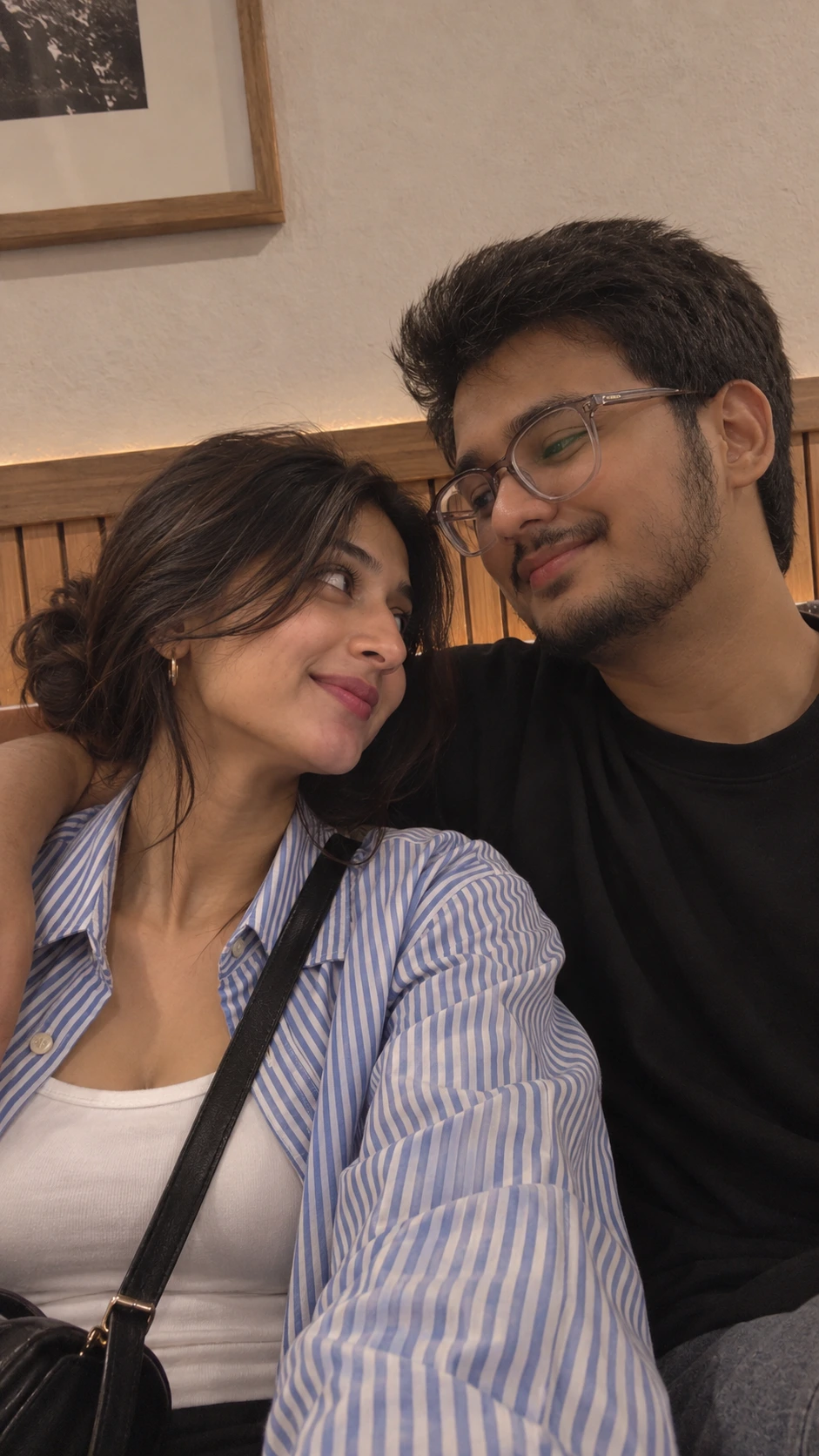
What this prompt is useful for
Casual couple selfies, cozy indoor content, Instagram relationship posts and realistic smartphone-style portraits.
Get better results from this prompt
Use identity photos that clearly show both faces.
Keep the low loose bun and striped overshirt details natural.
Preserve the slightly grainy smartphone look instead of making it look like studio photography.
How to use this AI image prompt
- Copy the prompt.Use the Copy Prompt button above to copy the complete prompt.
- Choose your image generator.Open the AI image generation tool you normally use.
- Upload your reference photo.Use a clear reference photo so the supported image generator has a strong identity reference.
- Paste and generate.Paste the prompt and generate your first result.
- Refine one detail at a time.Adjust lighting, pose, clothing, location or composition instead of changing everything simultaneously.
Related AI Prompts
Explore more Create With Soumay prompts with similar styles, categories and visual concepts.
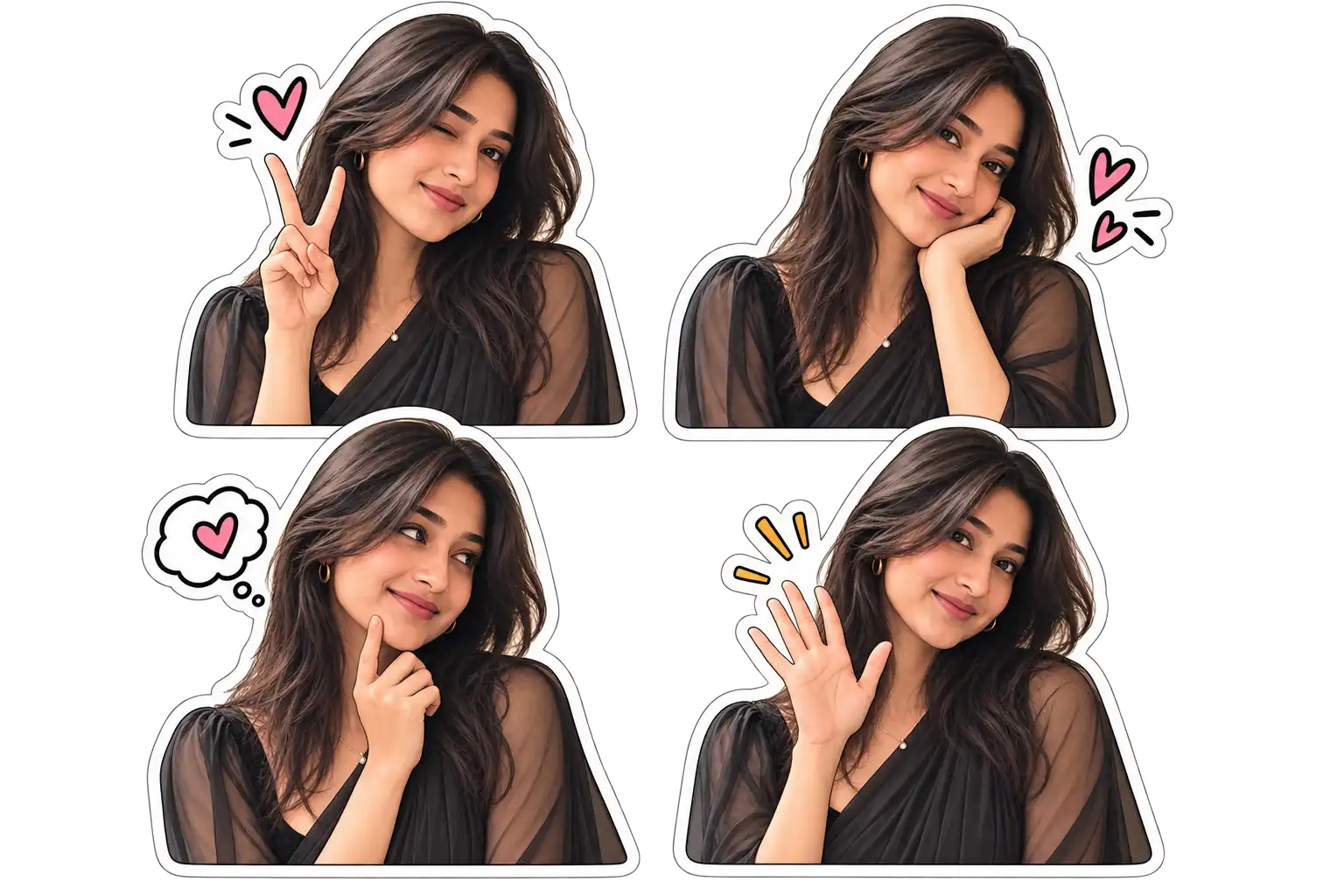
Cartoon Sticker Mirror Selfie
Turn your everyday mirror selfie into a set of cute cartoon-style sticker versions of yourself, ready to share as a grid. Ideal for sticker packs, playful mirror selfies and cartoon-style social content.
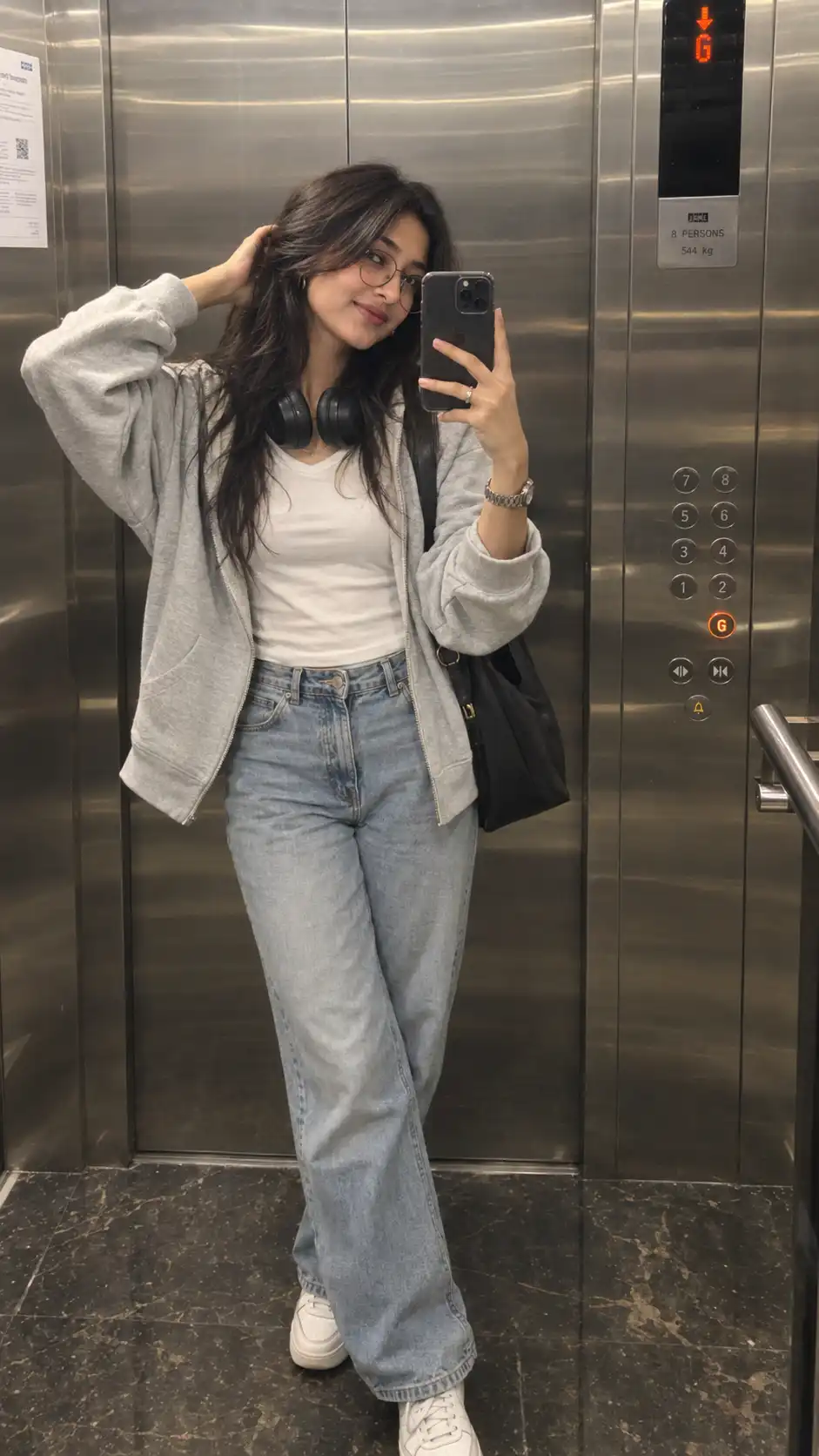
Stainless Steel Elevator Mirror Selfie
Create a realistic Gen-Z elevator mirror selfie with headphones, oversized hoodie, jeans and a clean metallic interior.
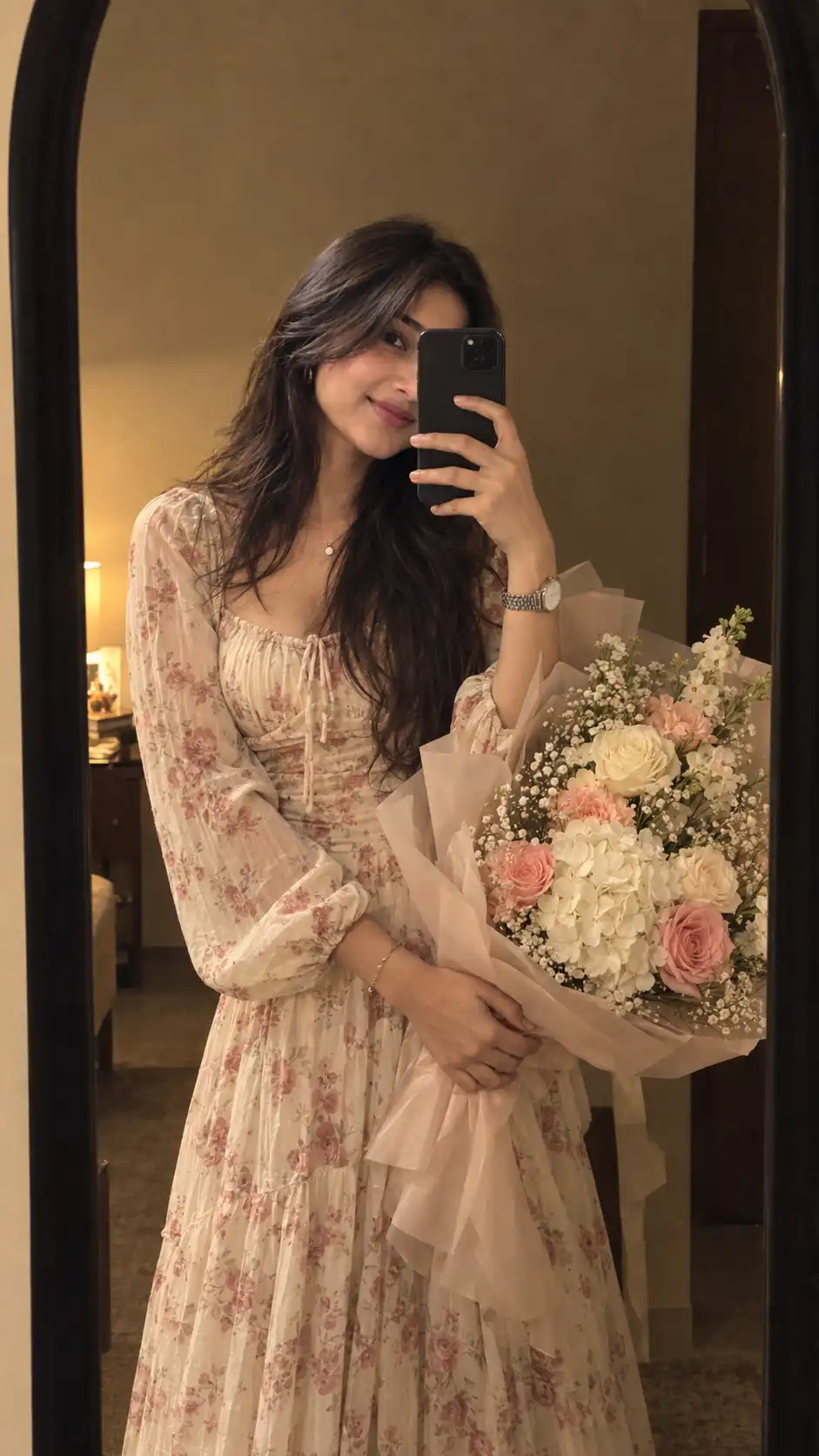
Cream Floral Dress Mirror Selfie With Bouquet
Create a cozy realistic mirror selfie of a woman in a cream floral dress holding a lush pastel flower bouquet inside a warm minimalist room.
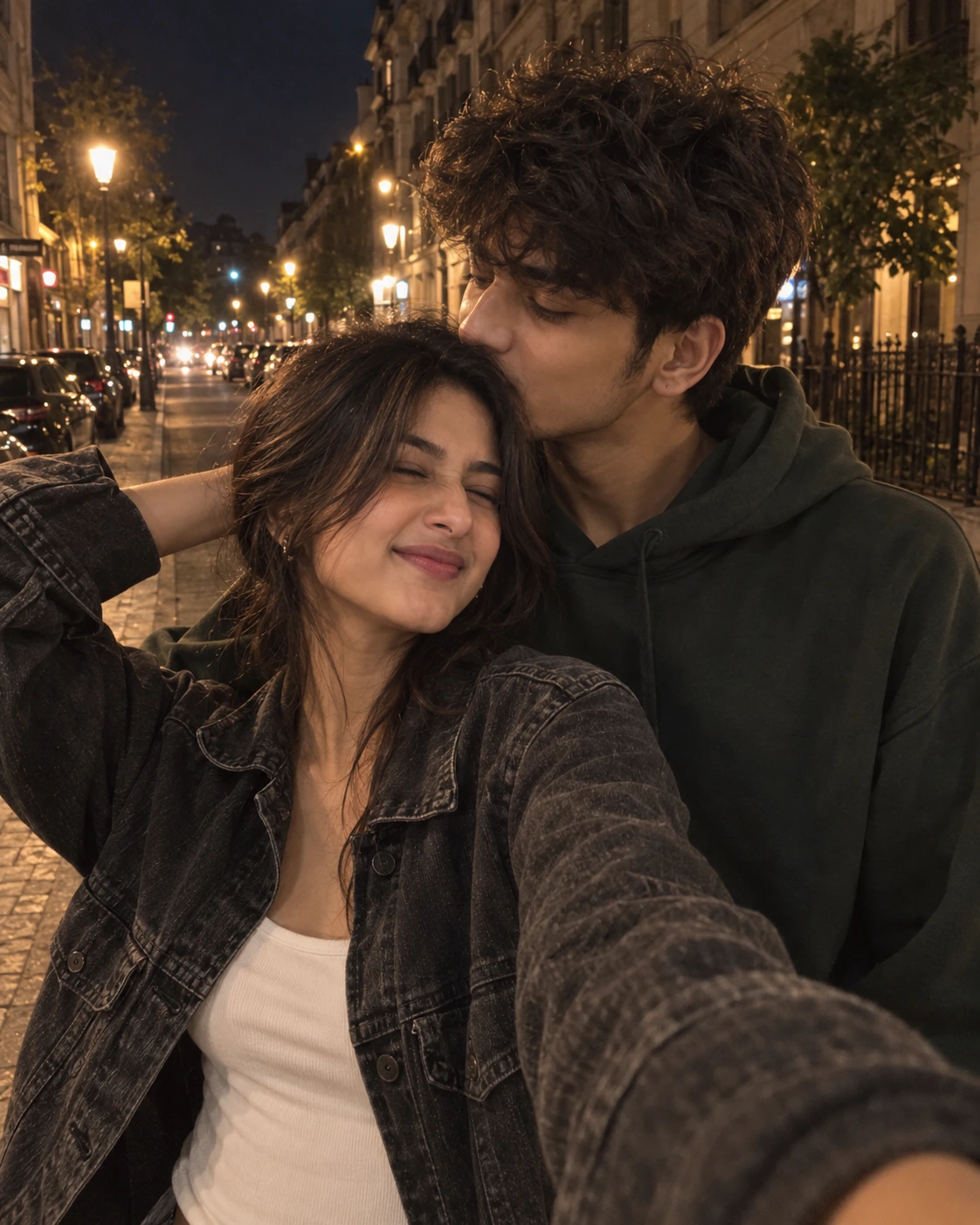
Candid Nighttime Couple Selfie
Candid Nighttime Couple Selfie AI photo prompt for realistic, natural-looking image generation with strong identity preservation and detailed editorial photography.
Looking for more AI image prompts?
Explore the full Create With Soumay library of ready-to-use prompts for couples, selfies, portraits, fashion, vintage photography, anime and more.
Browse All Prompts →