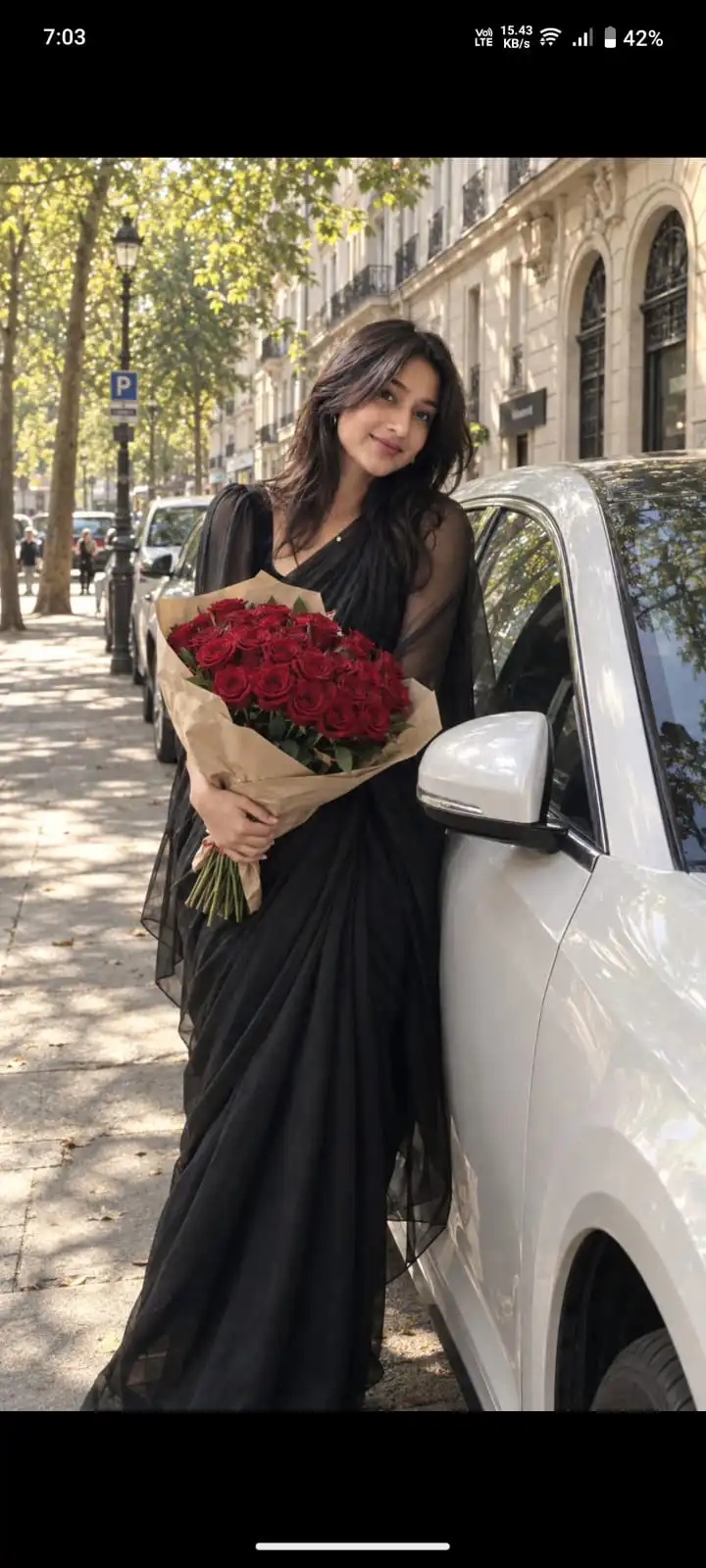
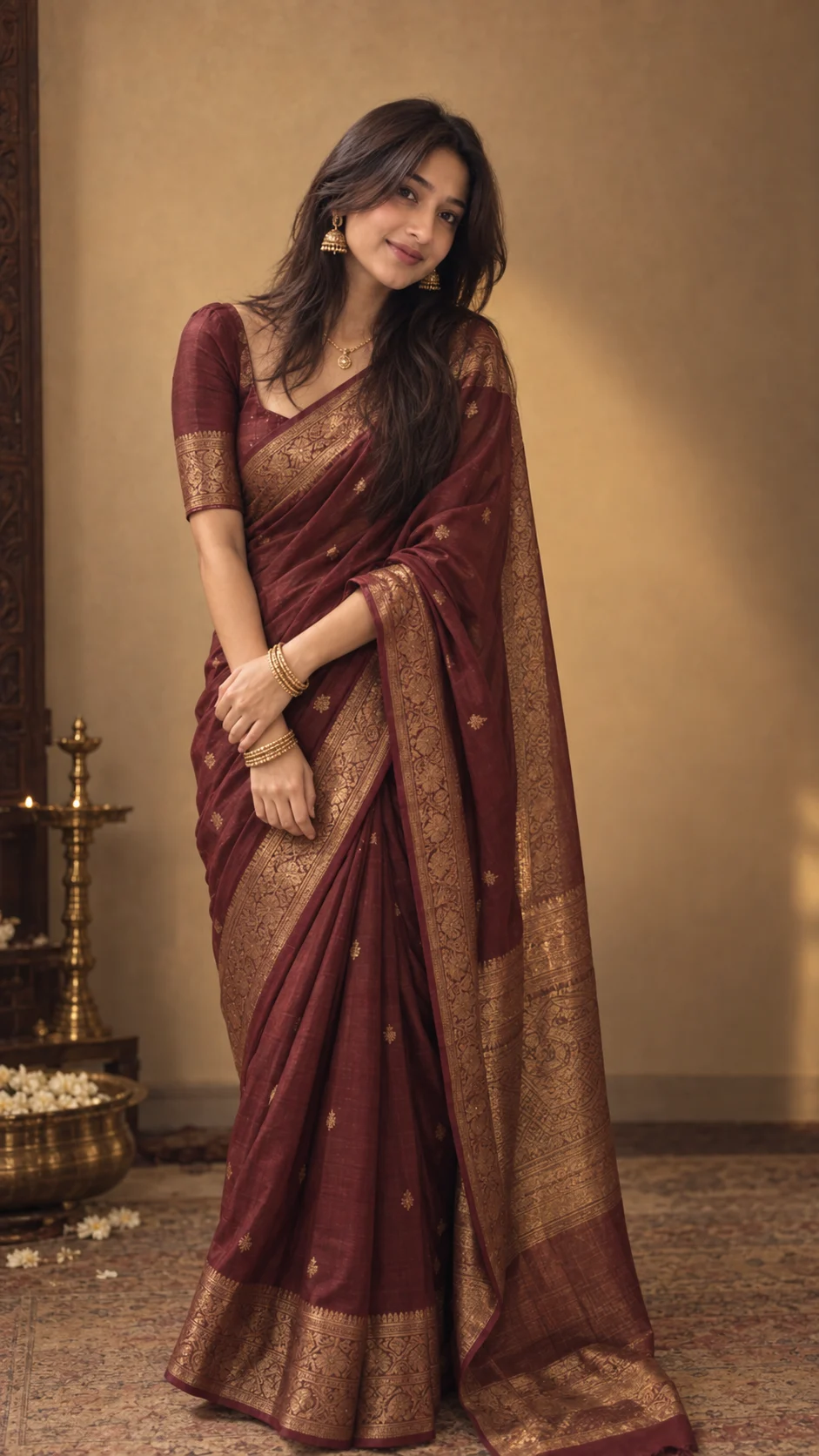
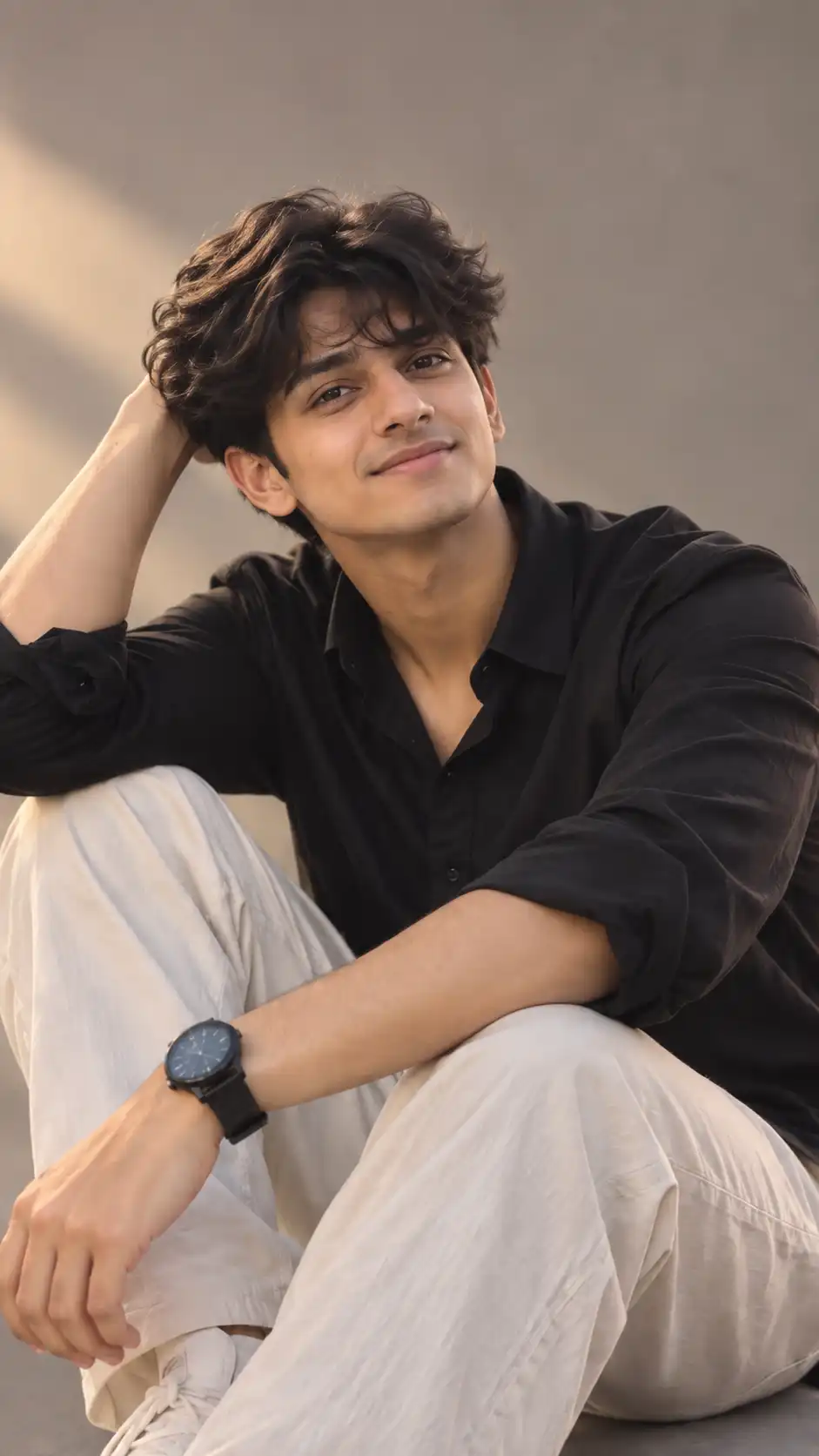
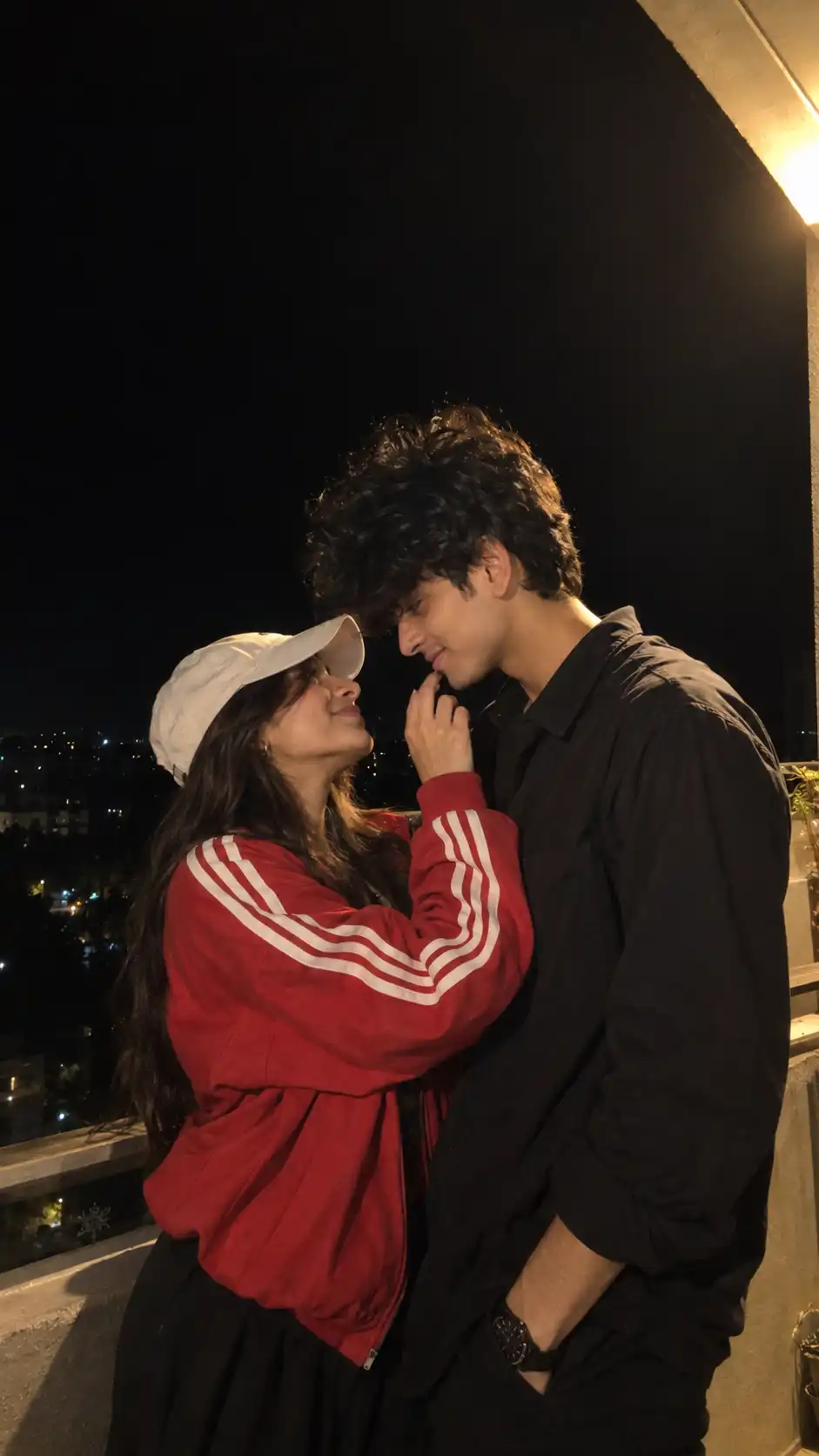
Burgundy Dress Rooftop Night Fashion Portrait
Last updated Sep 15, 2026
✦Result Preview

✦Exact Prompt
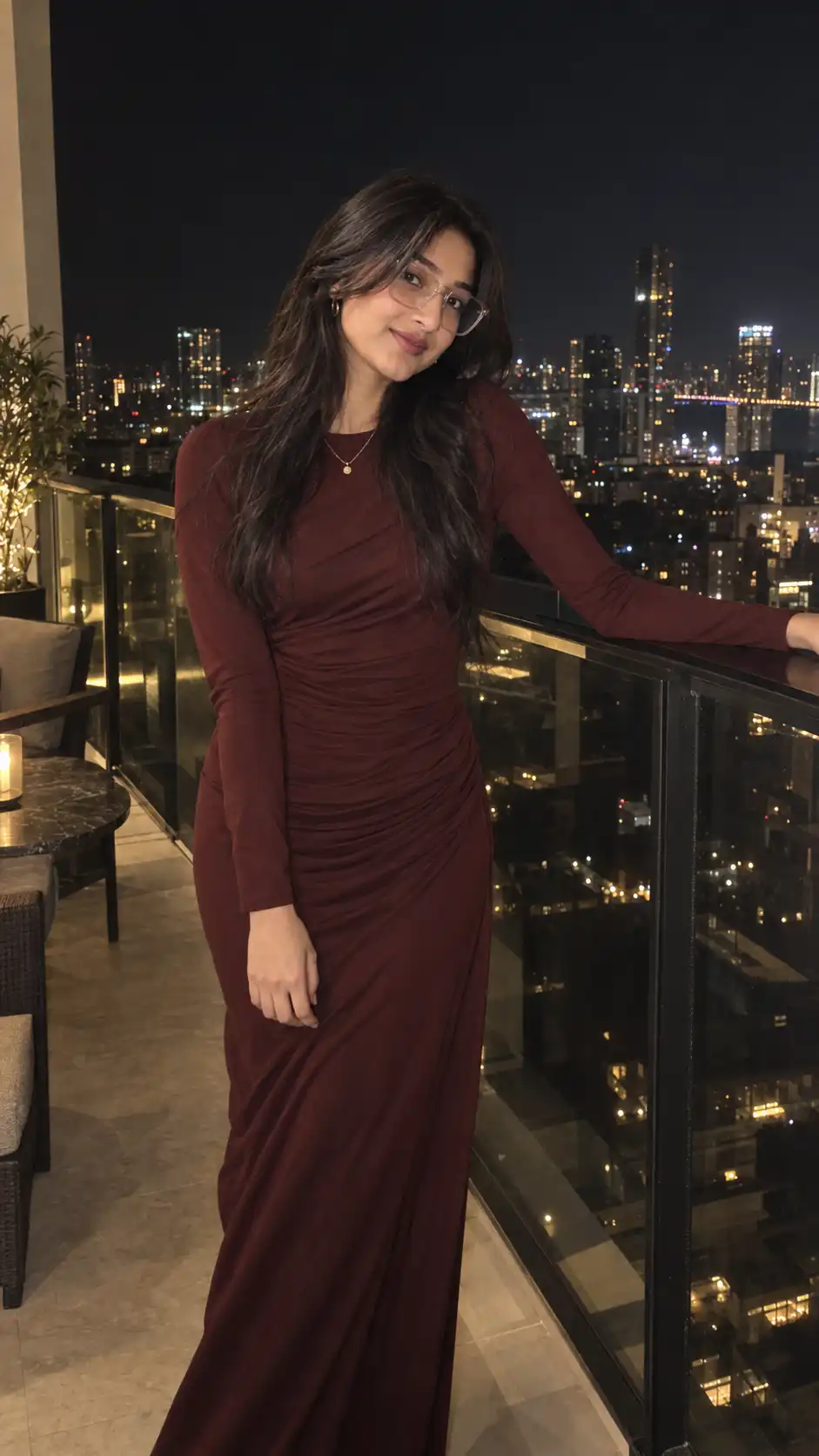
Create an ultra-realistic cinematic nighttime fashion portrait of the uploaded woman, recreating the mood, outfit, pose, lighting, and composition of the reference image.
The woman is standing on an elegant high-rise balcony or rooftop terrace at night, with a dark glass railing behind her and a beautiful city skyline visible in the distance. The city lights appear softly blurred into small bokeh points, creating a sophisticated late-night atmosphere.
She is wearing a deep burgundy/wine-colored fitted long-sleeve dress with a high round neckline and subtle gathered/ruching details around the waist and hips. The dress is elegant, sleek, and form-fitting while remaining natural and realistic. Add a delicate layered necklace with a tiny gold pendant.
Her long, voluminous dark hair is styled in soft, loose waves, parted naturally in the center and cascading over both shoulders. She wears thin, oversized transparent/clear-frame glasses.
Her pose is relaxed and candid: her upper body is angled slightly toward the camera, one arm naturally extended toward the balcony railing while the other hangs comfortably by her side. Her posture has a subtle natural lean, creating an effortless fashion-editorial look. She looks directly toward the camera with a calm, confident, slightly serious expression and relaxed lips.
The scene is illuminated primarily by direct warm camera flash, producing realistic highlights on her face and hair while the nighttime city behind her remains dark and softly illuminated. Include authentic flash shadows, subtle reflections on the glass railing, realistic skin texture, individual hair strands, natural fabric folds and wrinkles, and realistic city-light bokeh.
Include subtle balcony details such as elegant outdoor furniture/chairs in the background, but keep the woman as the clear focal point.
Photography: ultra-realistic DSLR/modern smartphone fashion photography, candid Instagram aesthetic, nighttime flash photography, cinematic contrast, warm skin highlights, deep shadows, realistic low-light exposure, subtle film grain, shallow depth of field, natural proportions, editorial fashion photography, highly detailed, vertical 9:16 composition.
🔒 FACE + BODY PRESERVATION — CRITICAL
Use the uploaded woman as the exact identity reference. Do NOT change, replace, redesign, beautify, or stylize her face. Preserve her exact facial identity and recognizable appearance.
Preserve her exact face shape, facial structure, forehead, eyes, eyebrows, nose, lips, cheeks, jawline, chin, ears, skin tone, and natural facial proportions. Keep her unmistakably recognizable as the same person.
DO NOT CHANGE HER BODY. Preserve her exact natural physique, height, shoulders, arms, waist, hips, legs, hands, and overall body proportions. Do not make her thinner, curvier, taller, shorter, or otherwise reshape her anatomy.
Keep the same person and natural physical characteristics. Only recreate the outfit, hairstyle arrangement, accessories, pose, location, lighting, and photographic aesthetic shown in the reference.
Negative prompt: different person, altered identity, face swap, redesigned face, beautified face, changed facial features, changed eyes, changed nose, changed lips, altered jawline, altered skin tone, body reshaping, slimmer waist, exaggerated curves, altered height, altered proportions, distorted hands, extra fingers, missing fingers, deformed anatomy, plastic skin, CGI, cartoon, excessive makeup, unrealistic hair, fake city lights, overexposure, excessive blur, low resolution, inconsistent identity, artificial-looking photography.
Advertisement
Best for
What this prompt is useful for
Nighttime fashion portraits, rooftop Instagram photos, burgundy outfit inspiration and cinematic city photography.
Prompt tips
Get better results from this prompt
Keep the burgundy/wine dress clearly visible and consistent.
Use direct warm flash while preserving dark city ambience.
Keep the city lights as soft background bokeh rather than making them overly bright.
Quick guide
How to use this AI image prompt
- Copy the prompt.Use the Copy Prompt button above to copy the complete prompt.
- Choose your image generator.Open the AI image generation tool you normally use.
- Upload your reference photo.Use a clear reference photo so the supported image generator has a strong identity reference.
- Paste and generate.Paste the prompt and generate your first result.
- Refine one detail at a time.Adjust lighting, pose, clothing, location or composition instead of changing everything simultaneously.
Advertisement
Create With Soumay
Looking for more AI image prompts?
Explore the full Create With Soumay library of ready-to-use prompts for couples, selfies, portraits, fashion, vintage photography, anime and more.
Browse All Prompts →