
Airport Travel Aesthetic Photo
Last updated Sep 14, 2026
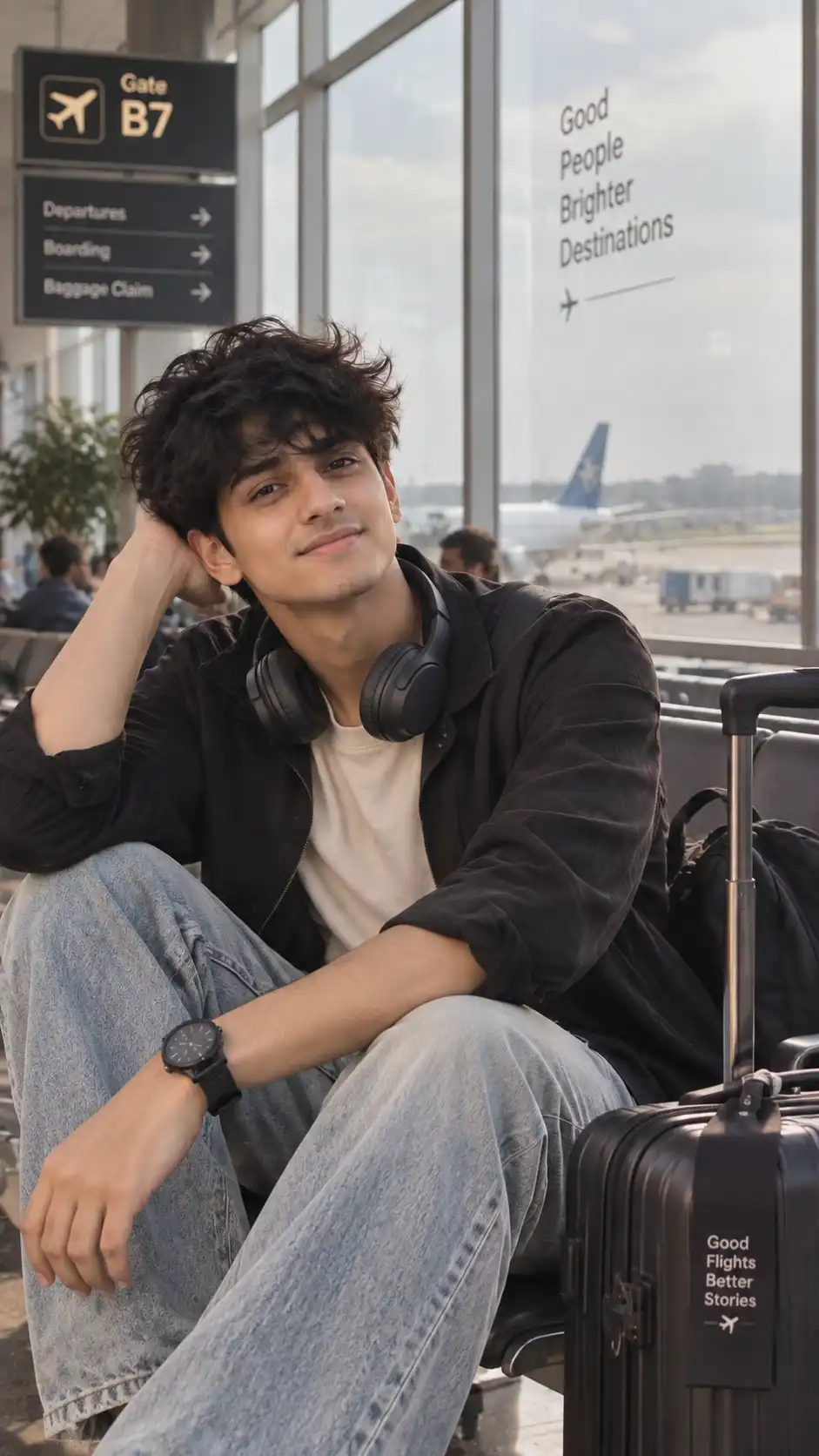
What this prompt is useful for
Travel Reels, trip announcement posts and aesthetic feed content.
Get better results from this prompt
Use a clear, front-facing, well-lit reference photo when identity consistency matters.
Describe any clothing, location or prop you want changed before generating.
If your generator supports image references, keep the reference strength high enough to preserve recognizable features.
How to use this AI image prompt
- Copy the prompt.Use the Copy Prompt button above to copy the complete prompt.
- Choose your image generator.Open the AI image generation tool you normally use.
- Upload your reference photo.Use a clear reference photo so the supported image generator has a strong identity reference.
- Paste and generate.Paste the prompt and generate your first result.
- Refine one detail at a time.Adjust lighting, pose, clothing, location or composition instead of changing everything simultaneously.
Related AI Prompts
Explore more Create With Soumay prompts with similar styles, categories and visual concepts.
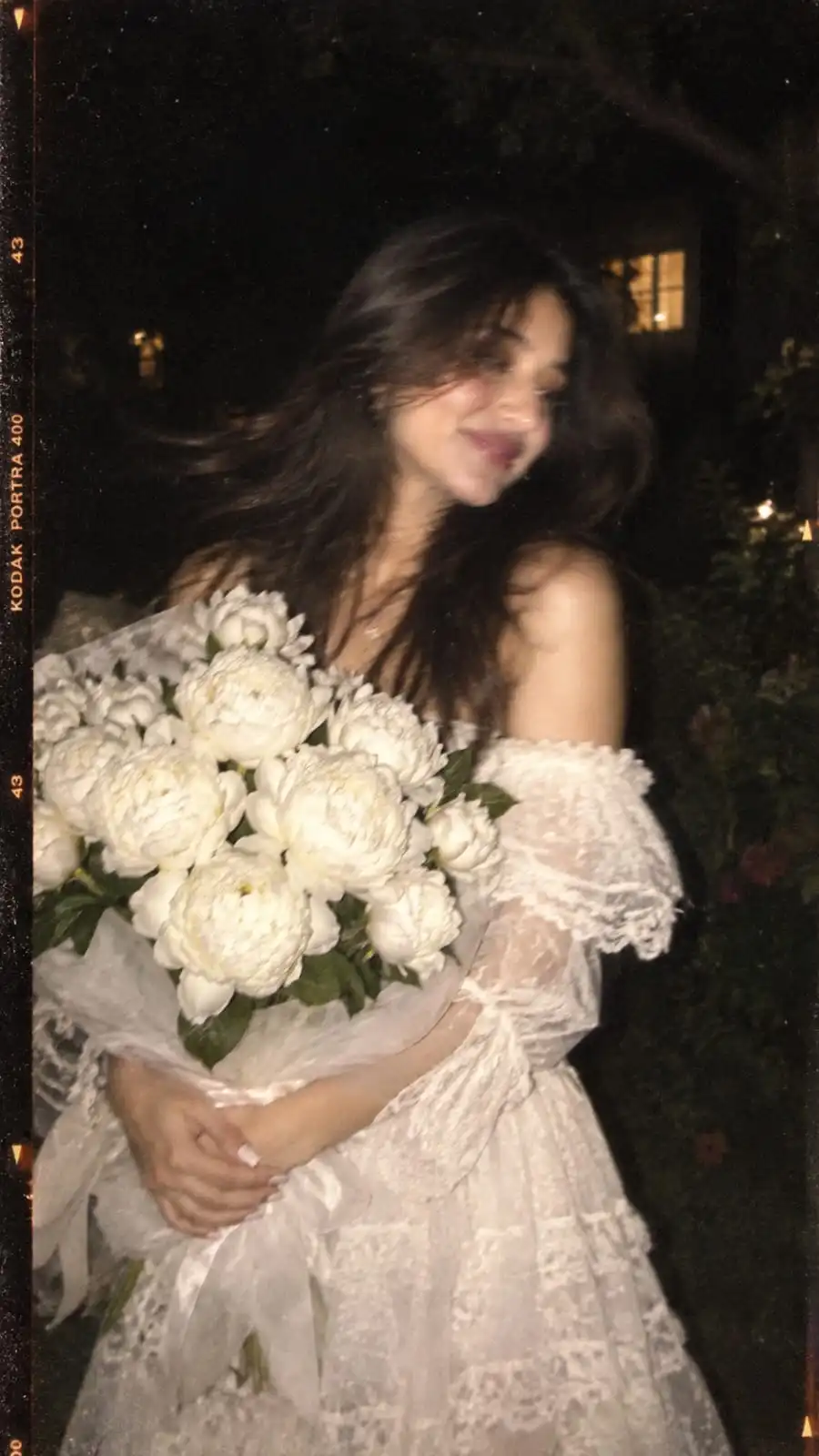
Aesthetic Wallpaper Prompt
Create a dreamy disposable-film style portrait with a dark garden setting, soft vintage colors, motion blur and a large bouquet of white peonies. Ideal for aesthetic profile pictures, Instagram wallpapers and vintage disposable-camera looks.
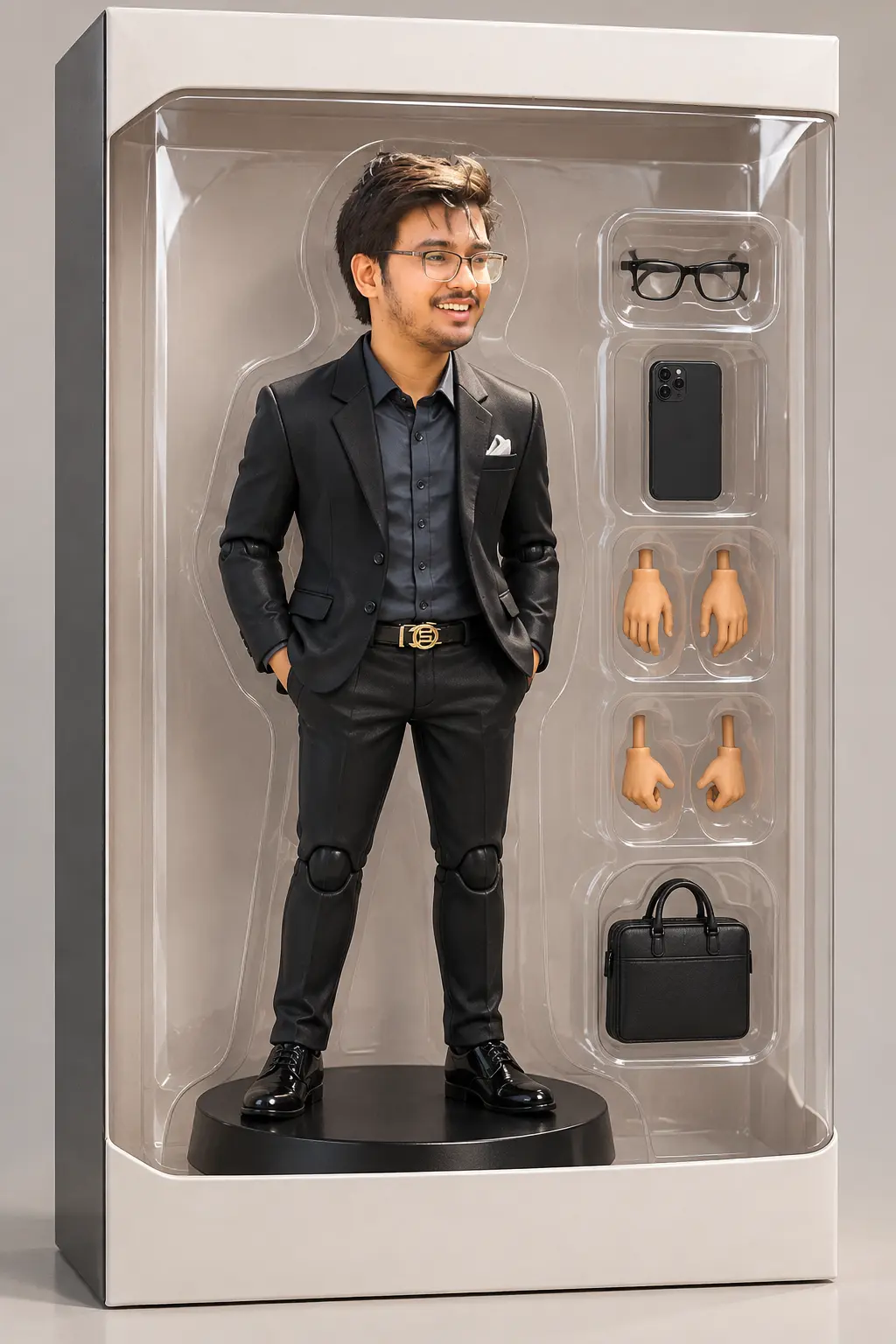
3D Figurine Toy Prompt
Turn your selfie into a collectible 3D figurine or action-toy version of yourself, complete with a display base and packaging-style presentation. Ideal for AI figurine, action-figure and collectible-toy photo trends.
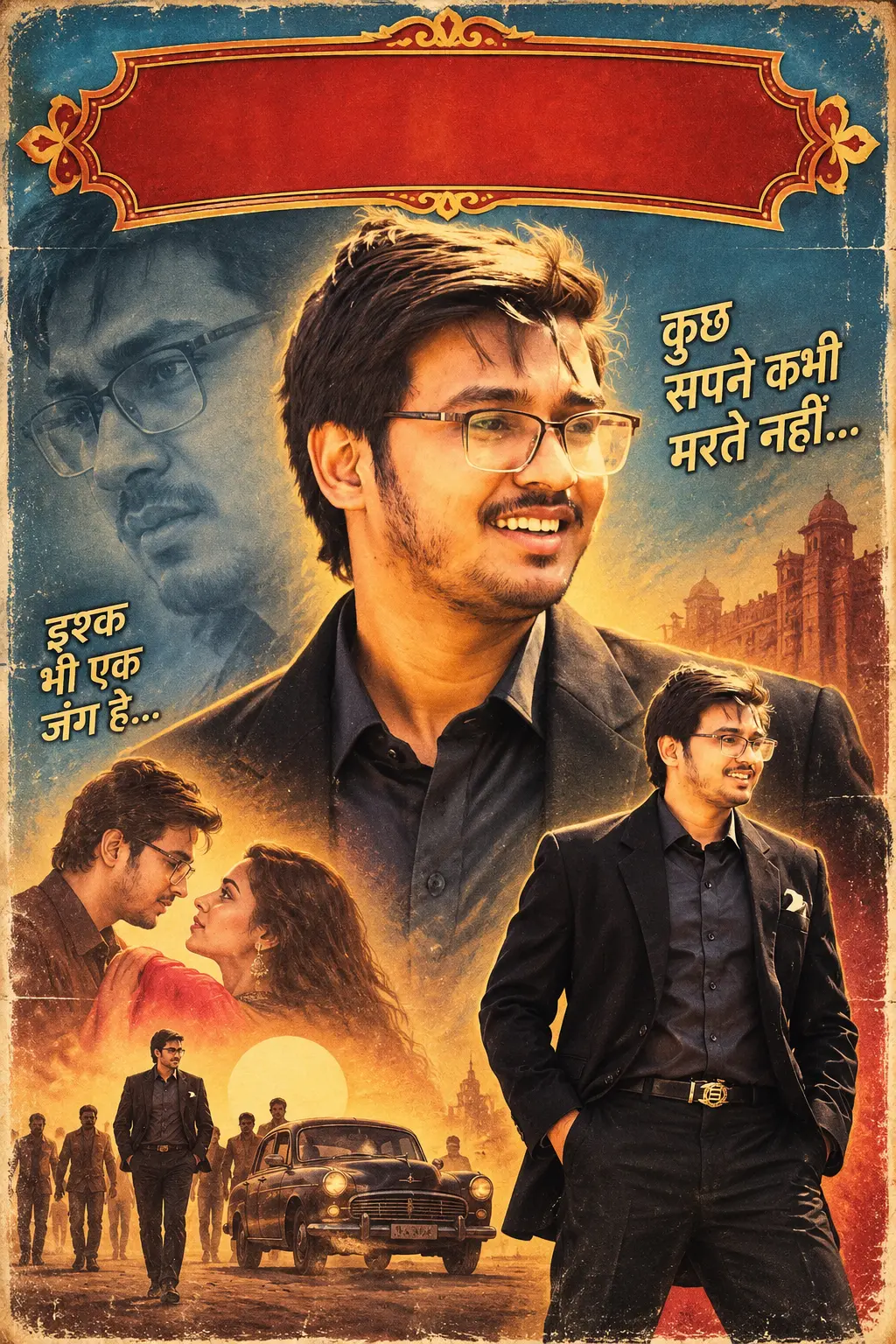
90s Bollywood Hero Poster
Turn your photo into a larger-than-life 1990s Bollywood movie poster starring you, complete with dramatic spotlighting and retro title typography. Ideal for 90s Bollywood nostalgia, retro movie-poster edits and Instagram throwback posts.
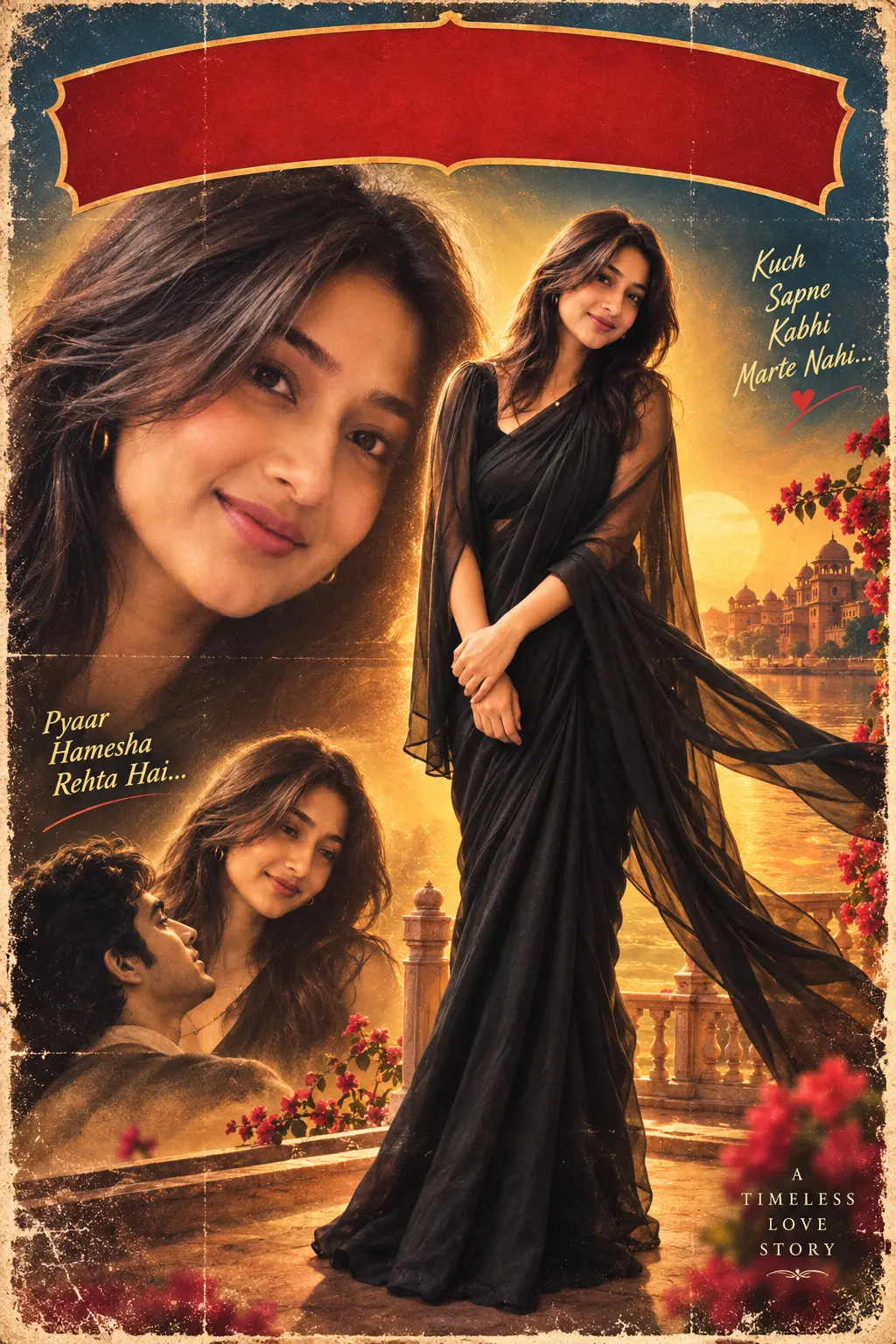
90s Bollywood Heroine Poster
Turn your photo into a dreamy 1990s Bollywood heroine movie poster with flowing fabric, golden spotlighting and a hand-painted poster look. Ideal for 90s Bollywood heroine looks, retro poster edits and nostalgic Instagram posts.
Looking for more AI image prompts?
Explore the full Create With Soumay library of ready-to-use prompts for couples, selfies, portraits, fashion, vintage photography, anime and more.
Browse All Prompts →